

This article explains how to use CodedMails to create responsive HTML emails quickly and for entirely free. You can use all our templates with a single click.
Step 1: Browse Templates
Select any email category from the CodedMails home page or explore our beautiful themes.
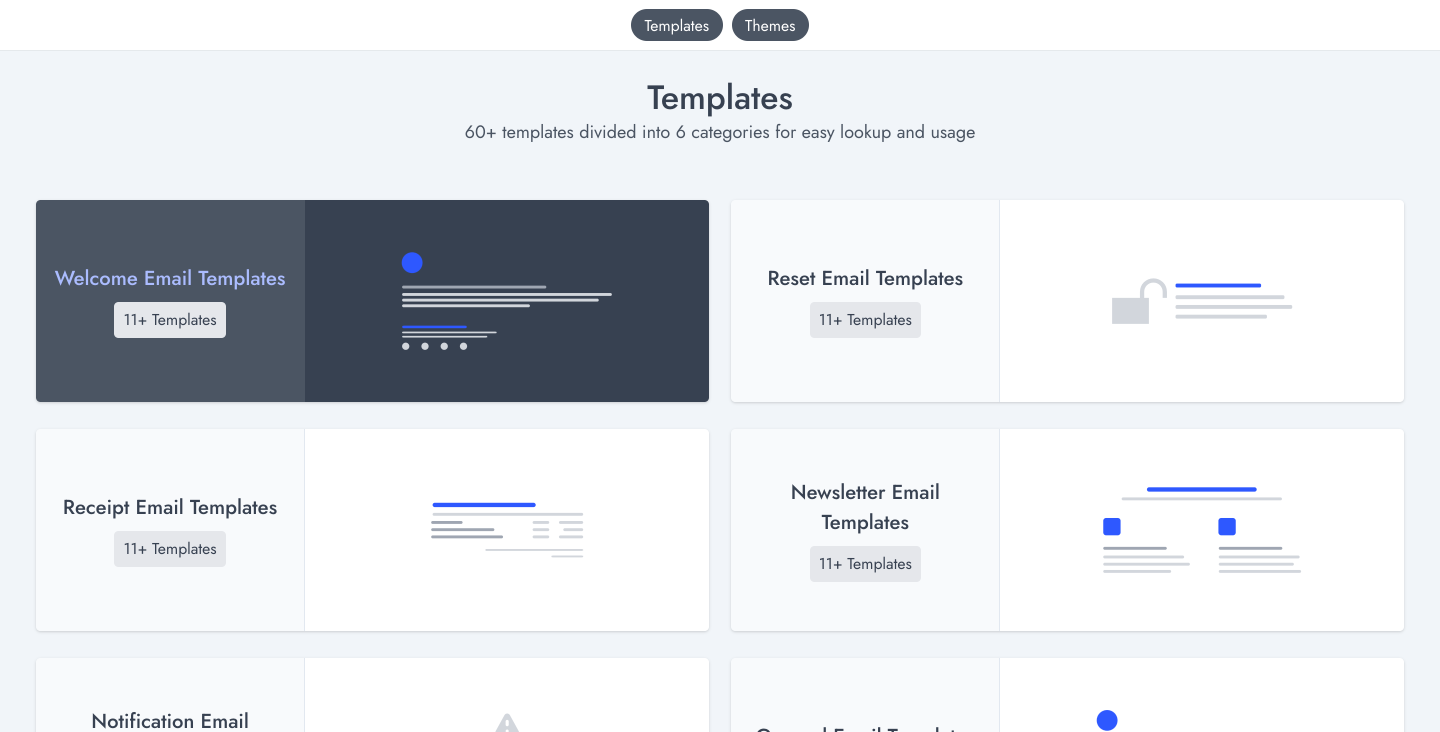 Select Template
Step 2: Preview the Template
Find a template that matches your needs and open its preview. We offer hundreds of meticulously crafted designs.
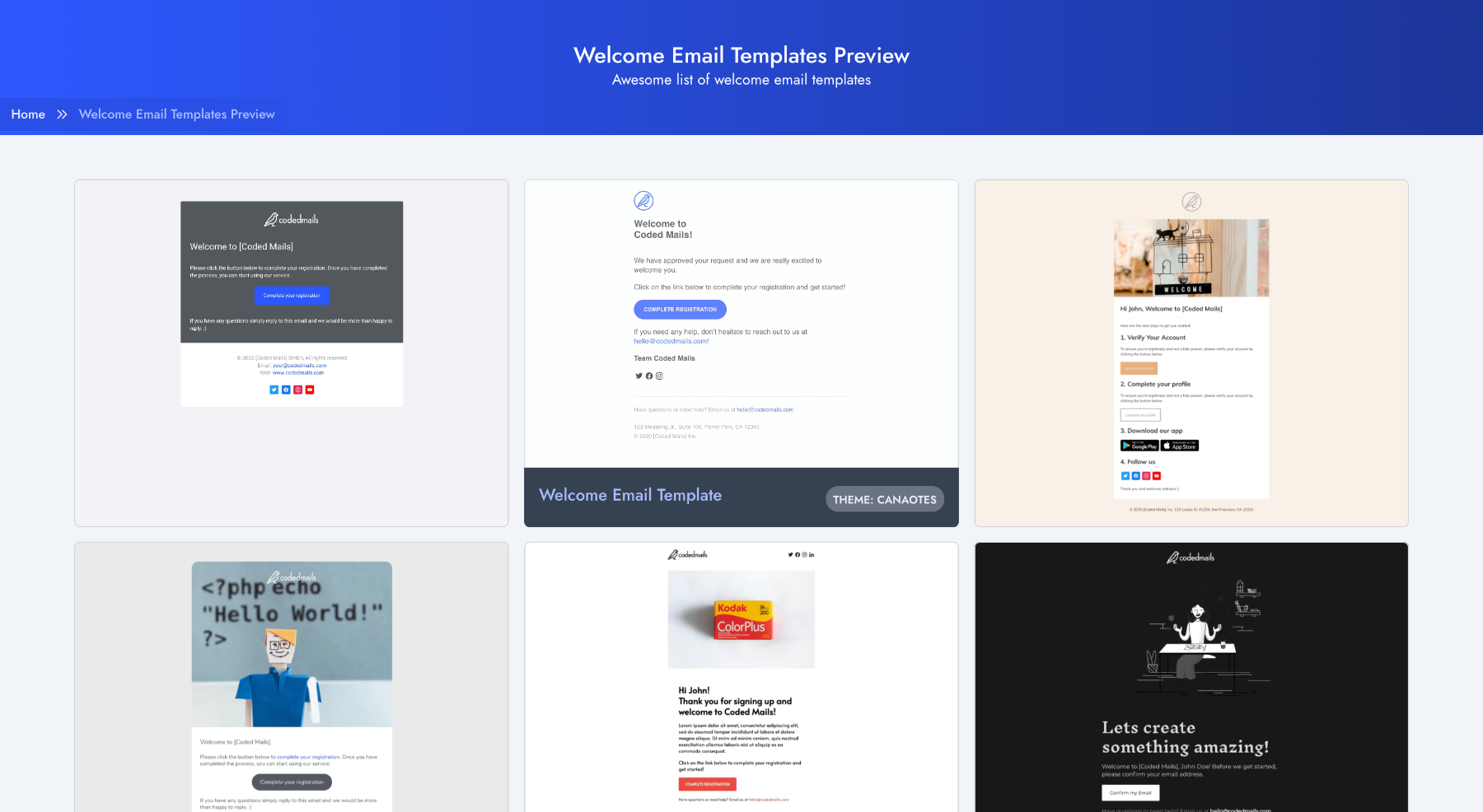 Select Template
Step 3: Copy the Code
CodedMails gives you access to both the compiled HTML and the original MJML source. Once you open the template preview, simply toggle to your preferred code format and click Copy Code.
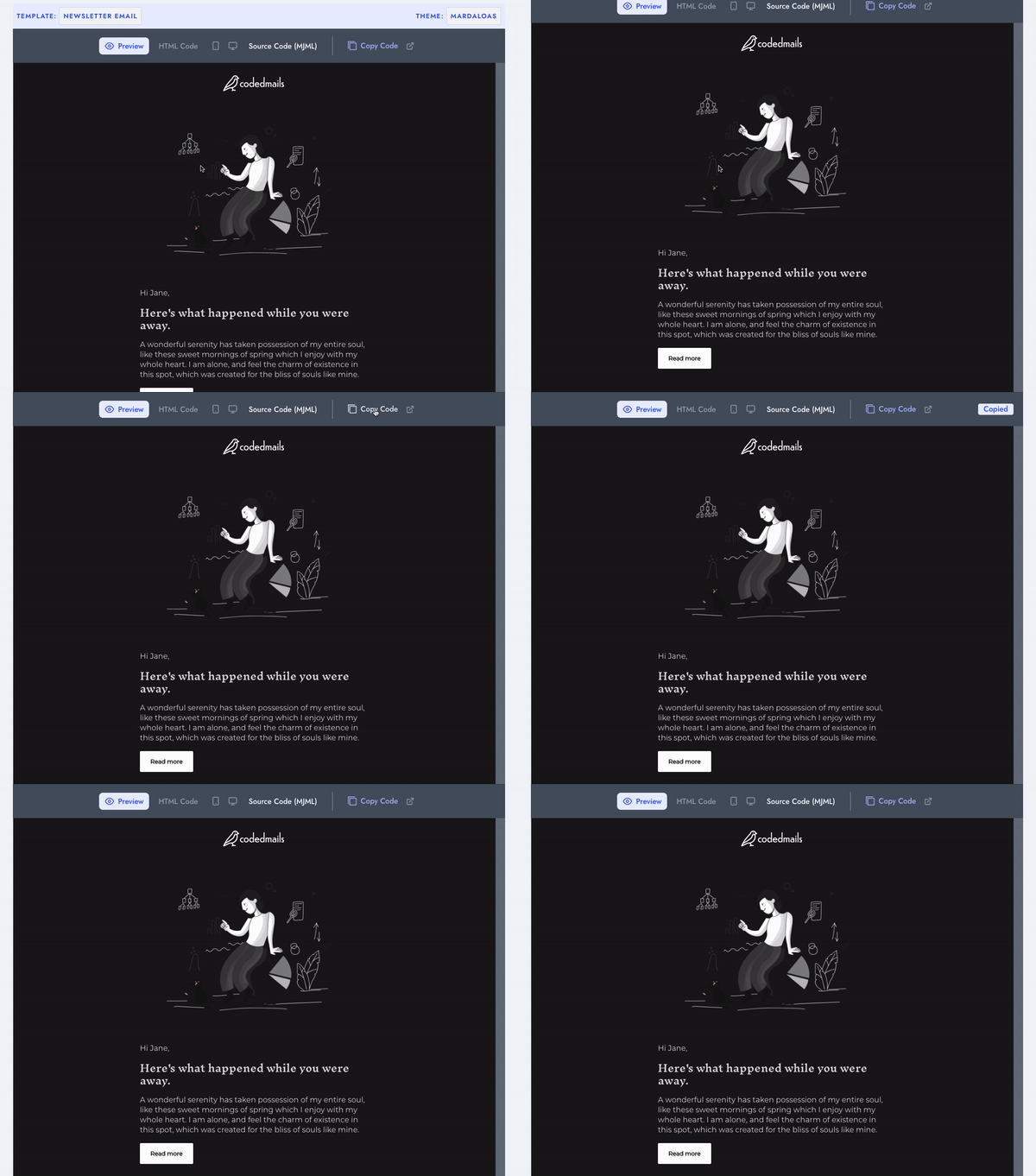 Copy Code
Step 4: Edit Your Content
Once the code is copied, you can paste it into any text editor (like VS Code, Sublime) or an online editor (such as Codepen or Postdrop) and adjust the content to fit your brand.
We highly recommend using Post Drop. It's a fantastic, free service where you can test and send your emails seamlessly.
Note: If using Postdrop, remember to clear the default CSS added in their CSS Panel.
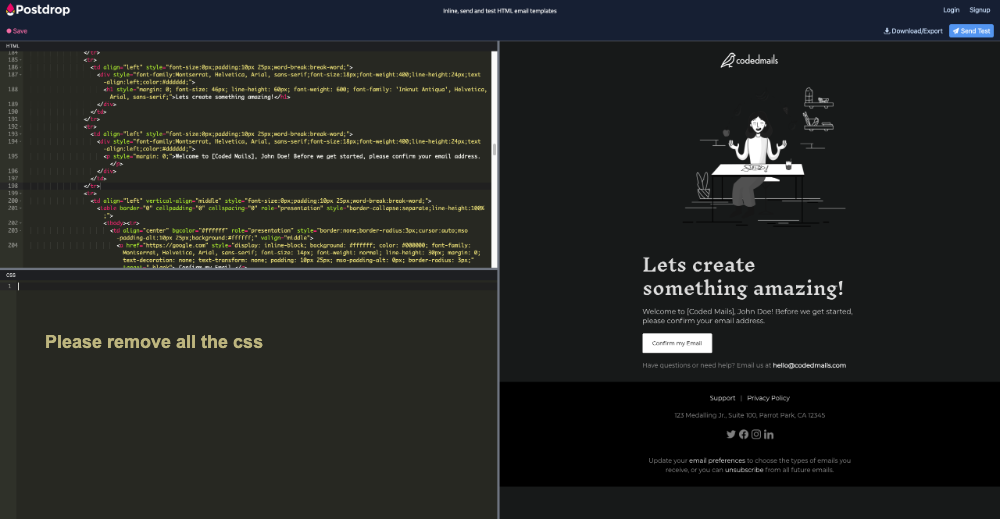 Post Drop
Step 5: Export and Send
Once your content is finalized, you can integrate the resulting HTML file into any Email Service Provider (ESP) like ConvertKit, Mailchimp, Resend, or EmailOnAcid.
Thank you, and happy emailing!
CodedMails is now proudly 100% free and open-source. Enjoy unlimited usage for both personal and commercial projects.