

With CodedMails now being completely open-source, you can easily download the entire repository and work with our MJML source files locally. Using MJML allows you to write up to 80% less code while generating fully responsive, semantic HTML emails that work flawlessly across all email clients.
Downloading the Project
You can clone or download the complete CodedMails repository on GitHub. After downloading, open the folder in your favorite code editor (e.g., VS Code).
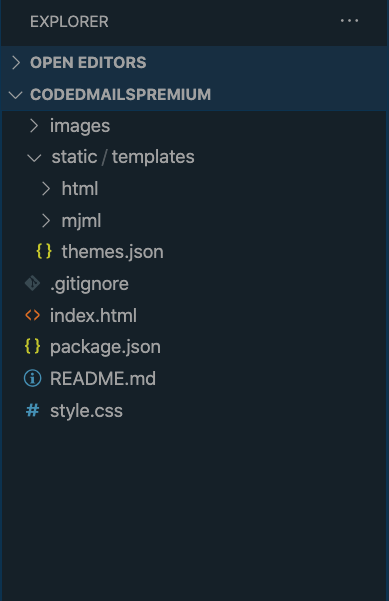 File Structure
Editing Templates Locally
Instead of editing massive, 600-line HTML files, our source relies on clean MJML components like <mj-section> and <mj-text>.
By using the local source, you can utilize split-view editing in modern text editors and streamline your workflow.
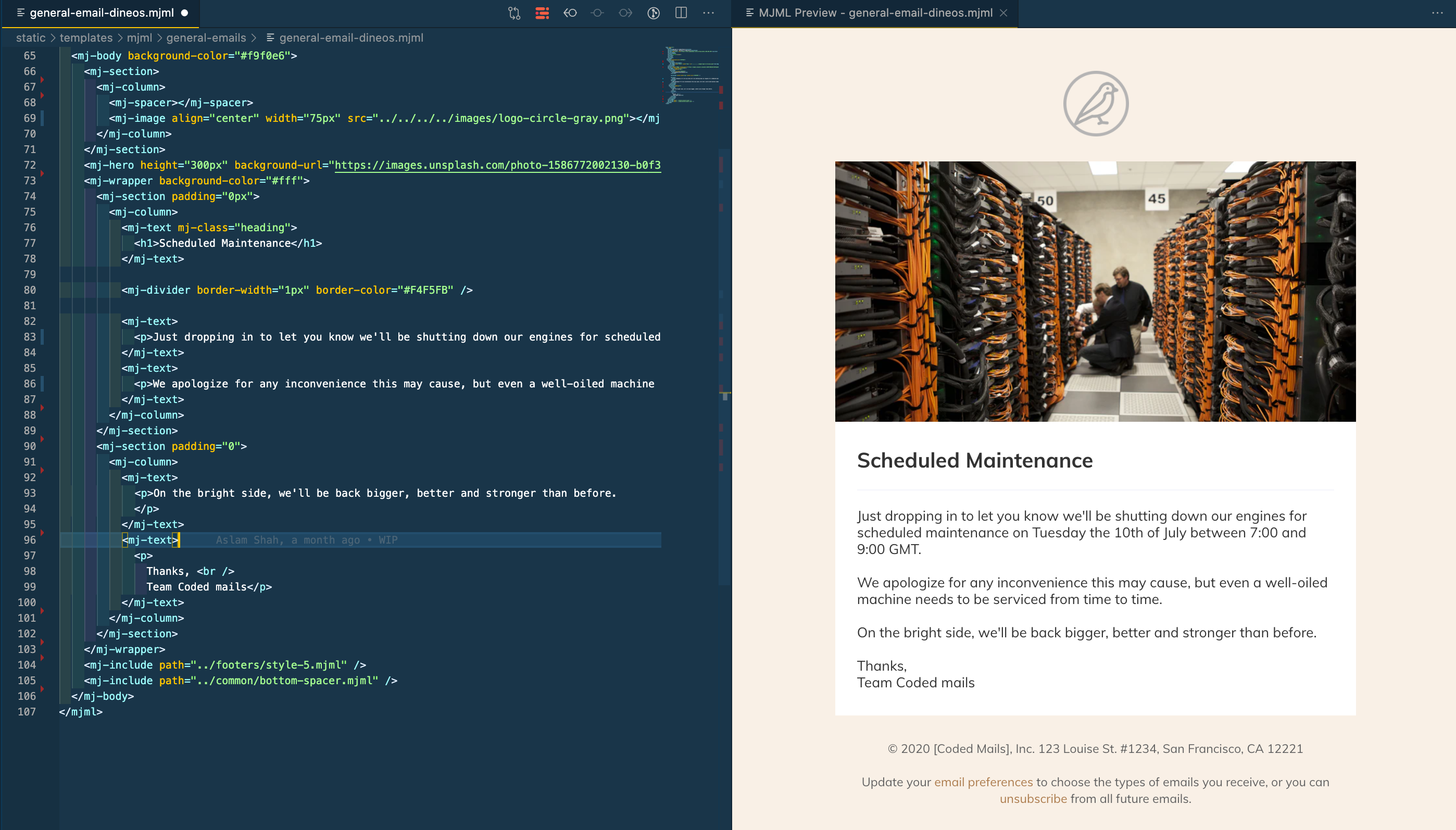 Code Split
Installation
CodedMails requires Node.js to run. Open the project directory in your terminal and install all necessary dependencies:
npm install
Development and Building
Once dependencies are installed, you can start the Next.js development server to browse templates, or write custom scripts to build HTML directly from the content/templates/ folder.
If you are heavily modifying the MJML source files, consider installing the MJML CLI or using editor extensions to compile single files on the fly.
BONUS: Multi-file workflows with MJML
All our templates are designed using MJML. We heavily utilize the <mj-include> component, allowing you to split complex templates into reusable headers, footers, and content sections!
Pro Tip: If you are using VS Code, we highly recommend the MJML Extension to enable a live, split-view preview of your MJML source files.
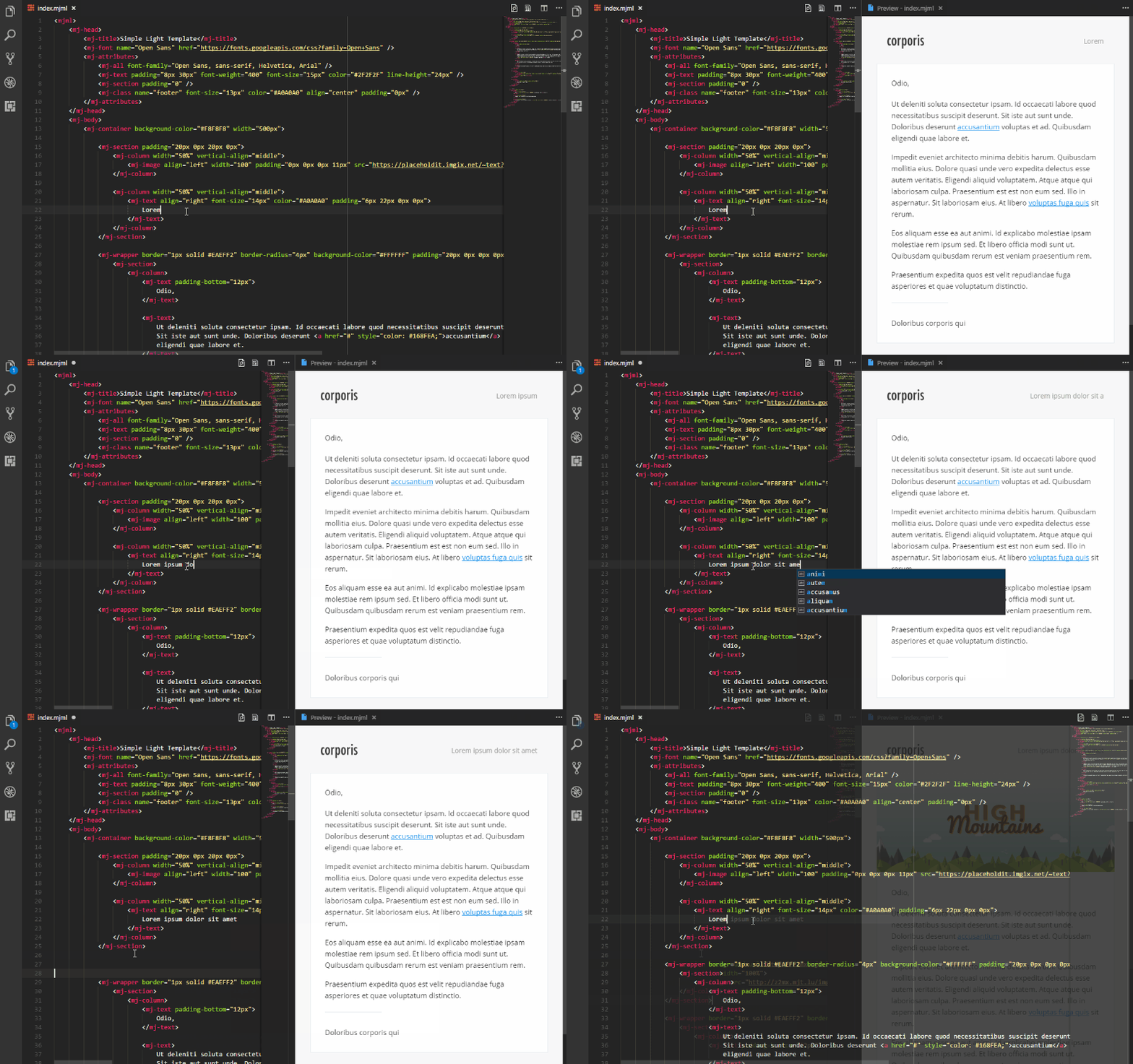 MJML Extension VS Code Preview
If you have any questions or feedback, feel free to open an issue on our GitHub repository. Happy coding!